
This is a huge lifesaver and I don't know how I couldn't come up with this before. Check out this post to learn how you can enable spell checking when writing Markdown documents with sublime.
Since I switched to Jekyll and GitHub Pages I’m writing all of my blogs posts in Markdown. Best thing I could do! Being a developer, I spend most of my time in my text editor which happens to be Sublime Text. Given its great plugin and packages ecosystem it obviously also has one for writing Markdown: MarkdownEditing.
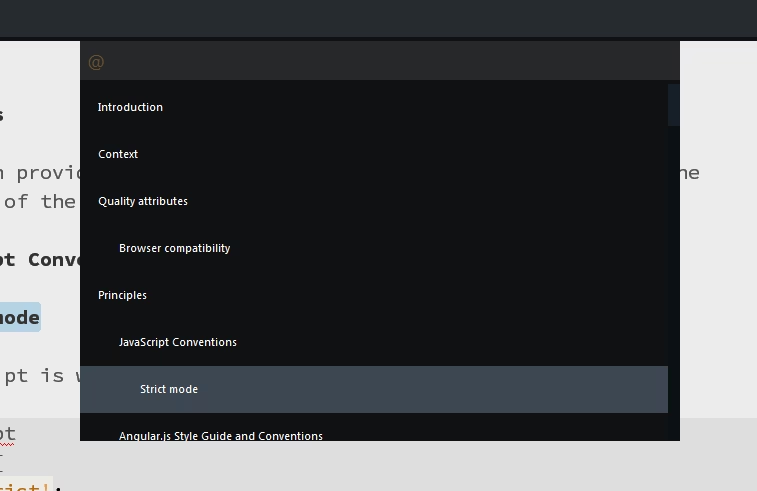
MarkdownEditing not only allows you to quickly navigate through the document structure (ideal for large ones)
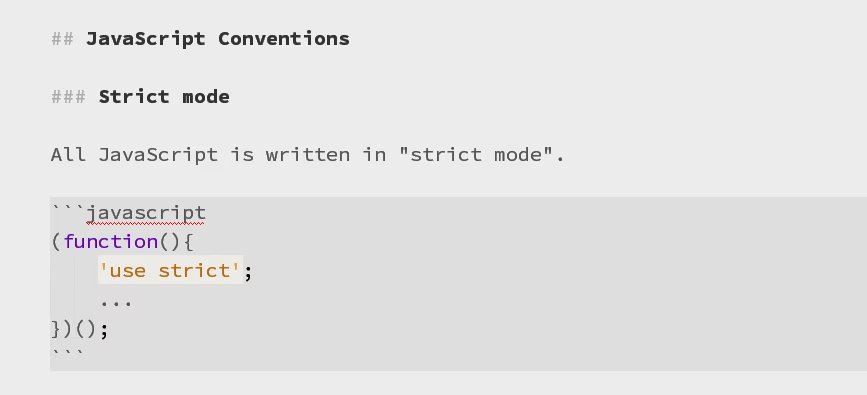
..but it also even does in-line highlighting (even your code) while you write
But there’s one thing that puzzled me: no spell checking. Or is there one??

Gosh!!
Here’s how you activate it.

You basically have to open a Markdown document, then go to Preferences > Settings - More > Syntax specific - user. Add
{
  "spell_check": true
}
That was easy, wasn’t it? Can’t believe I didn’t find this before!